Multimodal AI will change interface design before it changes every workflow
Images, voice, documents and text can make AI more natural to use, but the best products will still need a clear way for people to inspect, correct and direct the system.

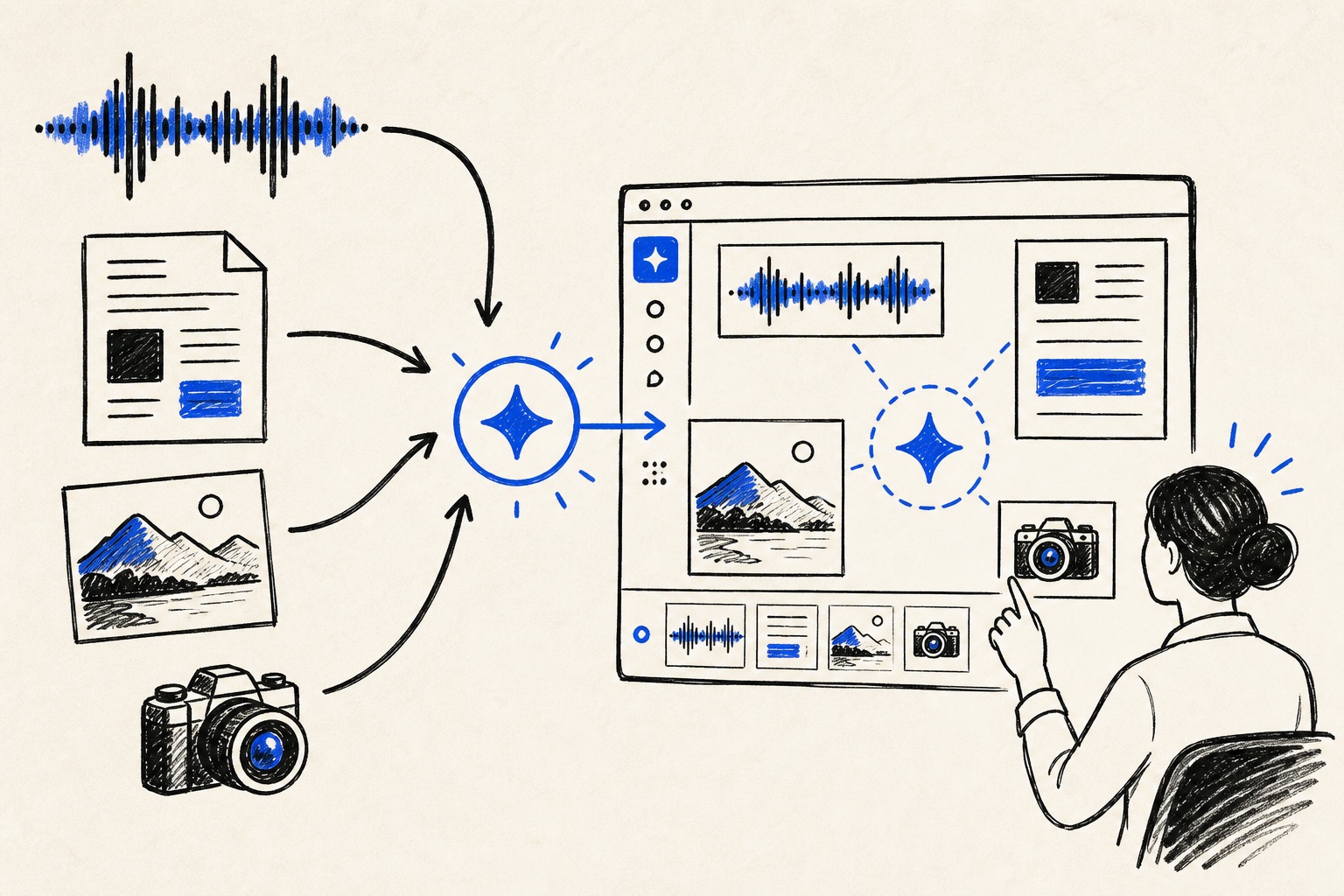
Multimodal AI promises a more human way to interact with software. A person can show a photo, speak a request, upload a document and expect the system to connect the relevant context. That can reduce friction, especially for work that has never fit neatly into a text box.
The design challenge is that more input types can also make a system more ambiguous. The user needs to know what the AI noticed, which part of the input it used and how to correct the interpretation before it becomes an action or a decision.
The interface should reveal the system’s attention
When a user uploads an image or document, the product should make it possible to see the elements the system relied on. That can be as simple as showing extracted fields, highlighting a referenced region or summarizing the assumed context. The goal is to let the user catch a misunderstanding before it becomes a consequential output.
This is particularly important when images or voice contain messy real-world information. A photograph may have poor lighting, a recording may include background noise and a document may use a layout the system did not expect. A transparent interface gives the person a way to add the missing context without starting over.
Voice needs a different kind of consent
Voice can make AI feel accessible and immediate, especially in mobile or hands-busy settings. It also changes the privacy expectation because recordings can capture bystanders, emotion and information a person did not intend to type into a system. Product teams need clear cues about when audio is active, what is retained and how a user can correct a transcript.
A strong voice interface does not pretend that speaking is always easier than writing. It offers a useful option when voice fits the task, then gives the user a clear way to review the result. The best experience preserves the convenience of speech without turning the record of that speech into a surprise.
Multimodal products need a stable point of control
The more sources a system can process, the more important it is to give the user a simple place to direct the work. A product should not feel like a series of mysterious transformations between camera, microphone and model. It should present a clear task, a visible result and a path to intervene at each important step.
That discipline will separate useful multimodal products from demonstrations. The technology may make the interface richer, but the product still succeeds through the old principles of feedback, control and a clear understanding of what happens next.
More natural input requires more intentional control
Multimodal AI can make software fit the way people actually work. It earns its place when the interface makes the system’s interpretation visible and gives the user an easy way to shape the result.